Step 1
Add words or a portrait
Any portrait works — or skip the photo for a voice-only story.
Drag, click, or paste — clear face photos work best
Free talking photos
Add a portrait or just type — pick a voice you love: yours, a family member's, or a built-in one. Get a talking video in seconds.
Free while in beta · No card needed · Your photos are never used to train AI
Three steps — about a minute from upload to share.
Step 1
Any portrait works — or skip the photo for a voice-only story.
Step 2
Record yours, upload audio, or choose a built-in voice.
Step 3
Download or share in one tap. No photo? Audio stories work too.
Most talking-photo tools give you a generic AI voice. vocalove lets you clone a real voice from a 30-second recording — so a grandparent's photo can greet the family in their own voice, or a parent can read a bedtime story while traveling.
Keep their voice, not just their face.
You do not need a professional studio or a perfect selfie. A clear face in any portrait — scanned, printed, or fresh from your camera roll — plus a few lines of text is enough to start. Pick the scenario closest to yours, then scroll up to the tool and try it in under a minute.
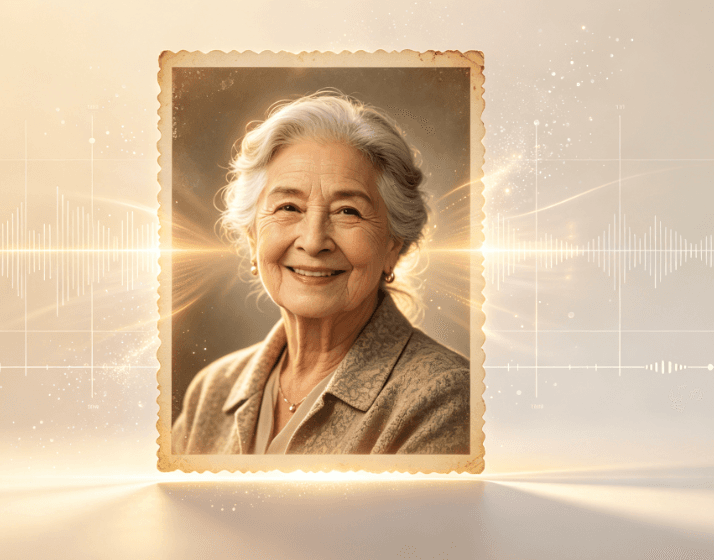
Scan a wedding print, school portrait, or faded Polaroid and bring it to life for birthdays, anniversaries, and family reunions. Works especially well when the photo already means something — the voice adds the missing layer.
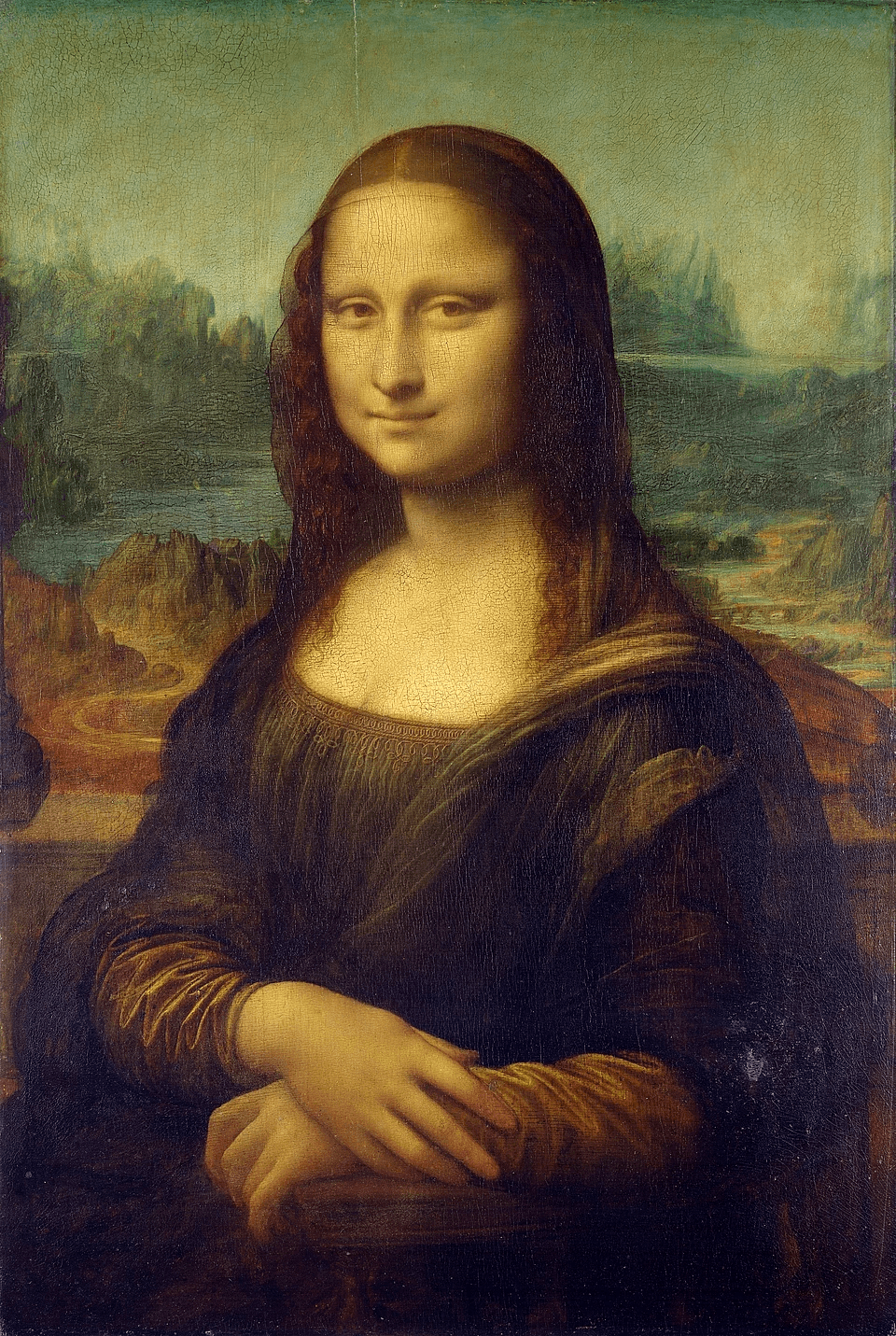
Give a painted face a voice — a museum masterpiece, a family oil portrait, or any classical painting. Type a line, pick a voice, and let history speak back.
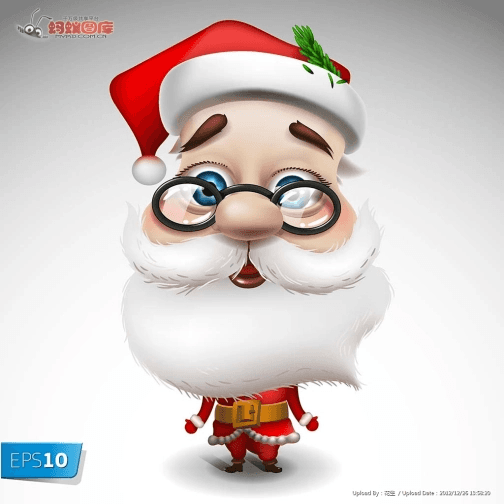
Replace a flat text card with a short talking portrait. Record once, reuse the voice sample next year, or type a new message in seconds. Friends remember a face that speaks far longer than they remember a font.
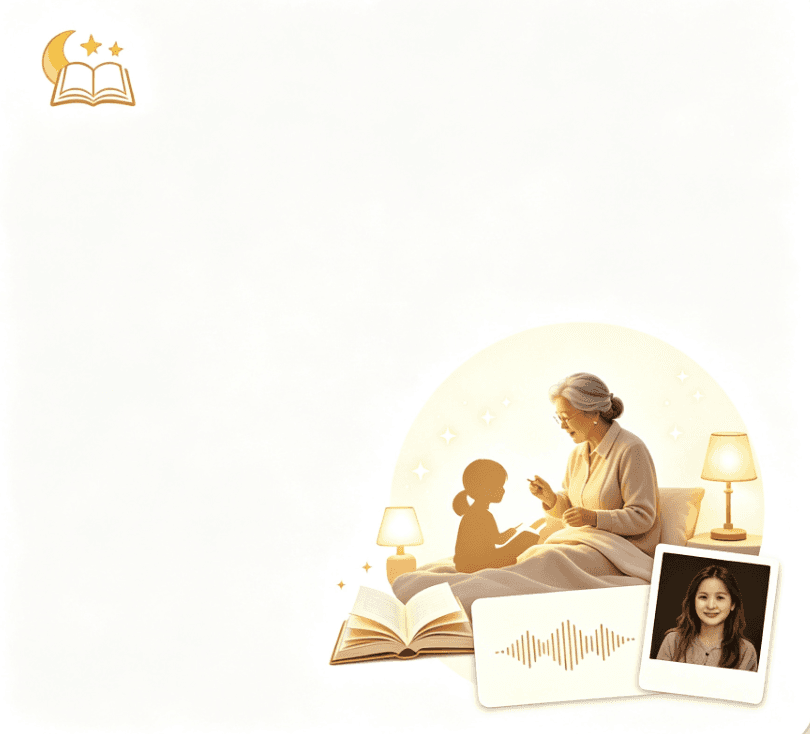
Grandparents traveling or living far away can still read a story in their own voice. Clone a short sample once, then generate new chapters whenever the kids ask for one more page.
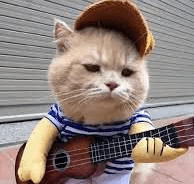
A photo of your dog, cat, or bunny saying something silly or sweet for friends and kids. Low stakes, high delight — often the first talking photo a family makes before trying a portrait of a person.
Quick answers about how talking photos work, voice cloning, pricing, and what you need permission to use.
